
SitOnIt Seating category guide
SitOnIt Seating task and ergonomic seating
Start with how long and how intensively people sit. Then test fit, comfort, base movement, desk clearance, and family coordination against current SitOnIt details.
Product planning
Planning task and ergonomic seating with SitOnIt Seating.
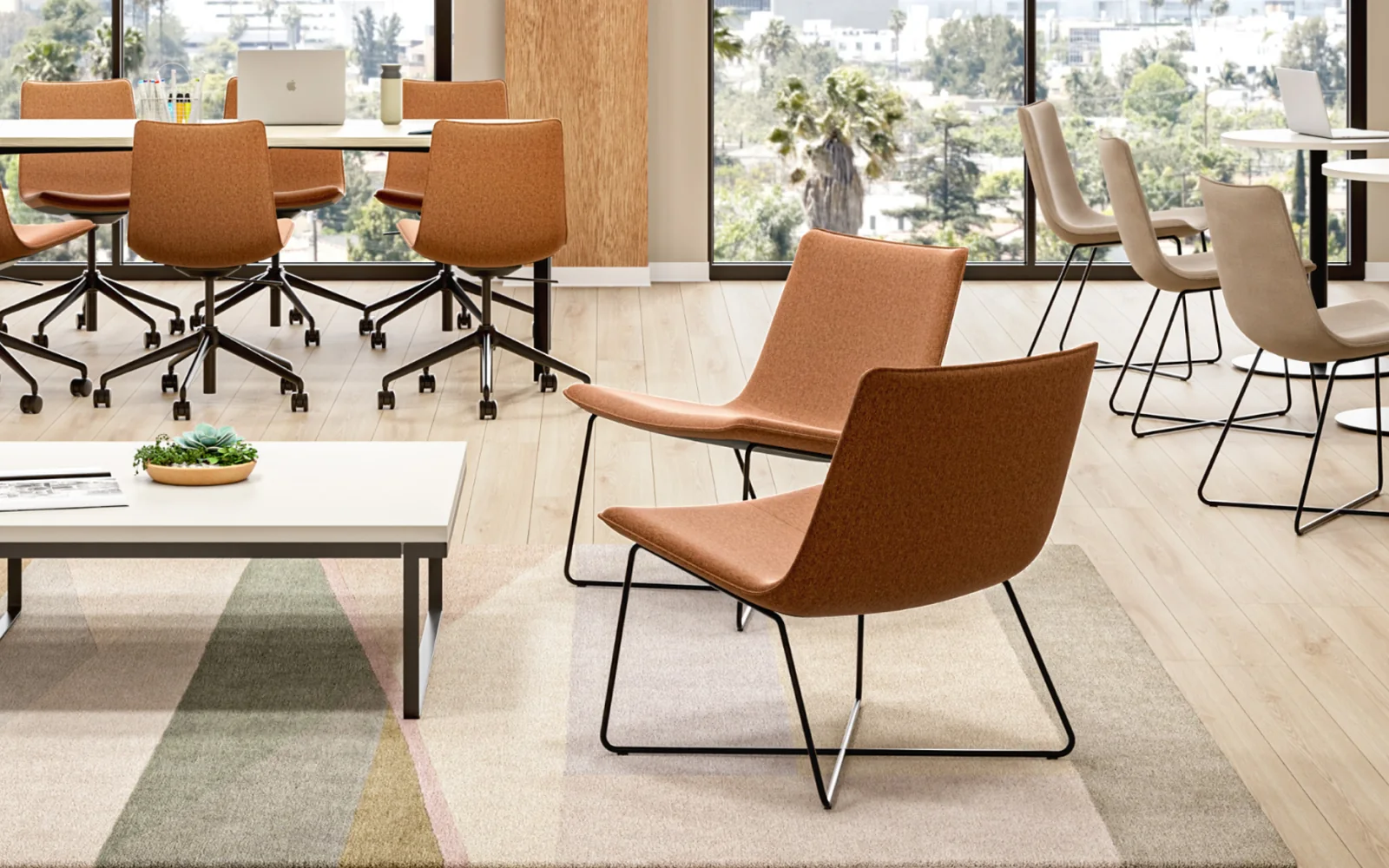
SitOnIt Seating’s Axys collection includes a light-task chair within a broader family of guest, lounge, counter-stool, and bar-stool models. Its official page emphasizes sculpted padding, tailored stitching, base choices, and a coordinated design language. Because Axys is identified as light task, Pettus planning guidance is to match it carefully to work intensity. For touchdown or shorter desk use, evaluate comfort, base movement, seat support, and table fit; for prolonged focused work, compare the needed ergonomic controls against current model documentation before selecting.
SitOnIt Seating describes Axys as a coordinated family spanning guest, lounge, light-task, counter-stool, and bar-stool models. The collection emphasizes sculpted padding, stitched upholstery, multiple base expressions, and commercial-use durability.
Buyer planning guide
What to evaluate before specification.
Use the room, user needs, and project constraints to narrow the right application before comparing product options, finishes, and project requirements.
Planning factor 1
Task intensity
Decide whether a light-task format matches the sitting duration and activity or whether a more control-rich chair is needed.
Planning factor 2
Seat experience
Evaluate the sculpted, padded seat and back with representative users rather than inferring comfort from appearance alone.
Planning factor 3
Base and movement
Check the selected base, mobility, floor interaction, desk clearance, and turning space for the intended work setting.
Planning factor 4
Family coordination
Use Axys guest, lounge, task, or stool forms selectively when a related visual language is useful across a space.
Where this category can support the plan
Connect the product category to the way the space must work.
- Touchdown workpoints
- Shared team spaces
- Short-duration desk settings
Brief
Document users, activities, room conditions, priorities, and constraints.
Compare
Review application paths, current options, dimensions, and visual direction.
Coordinate
Align finishes, technology, adjacent furniture, clearances, and budget.
Confirm
Validate current specifications, lead times, delivery, and installation requirements.
Frequently asked questions
Questions buyers ask about task and ergonomic seating.
Is Axys a full-featured ergonomic task chair?
SitOnIt Seating identifies the Axys work model as light task. Compare its current controls and support with the project’s sitting duration and user needs before treating it as a primary work chair.
Can Axys coordinate across different seating applications?
The official collection spans guest, lounge, light-task, and stool models. Coordination is possible in concept, but verify current shells, bases, upholstery, and finishes for the exact scheme.
What should users test in the Axys light-task model?
Have representative users assess seat and back feel, arm or armless preference, movement, desk relationship, and comfort over a realistic session.
Keep exploring SitOnIt Seating
Related manufacturer categories.
Compare adjacent applications before narrowing the final product and planning direction.
Start with the room and the work
Bring Pettus the requirements—not just a product name.
Send Pettus the work pattern, user range, desk conditions, and room mix to compare SitOnIt task seating.